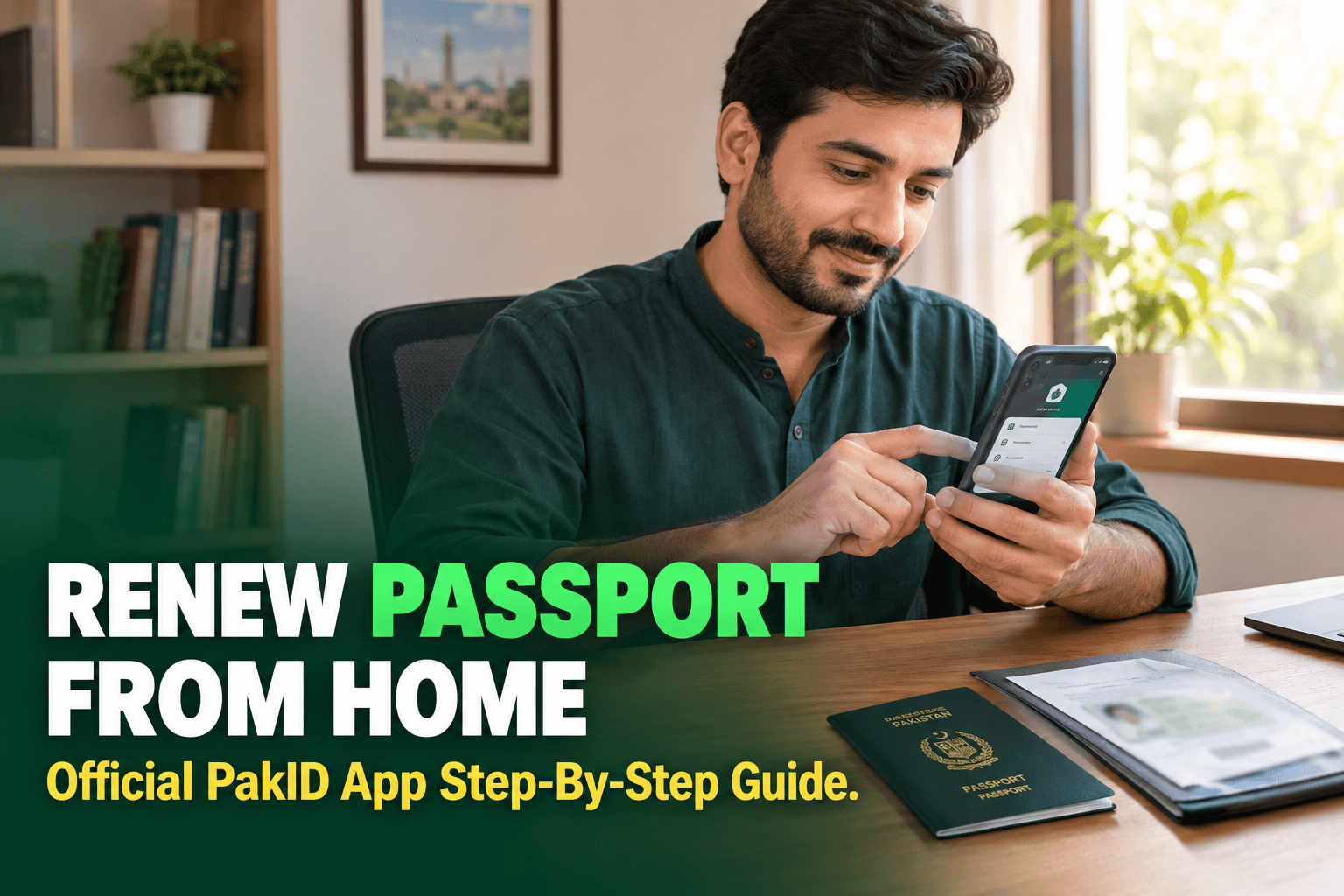
Renewing a Pakistani passport no longer always means beginning with a visit to a passport office. The Directorate General of Immigration and Passports (DGI&P), in collaboration with NADRA, now provides a passport renewal route through the official PakID mobile app.
Who Can Use PakID Passport Renewal?
The online option is intended for renewal cases that meet the conditions shown by DGI&P and NADRA. It is suitable when the applicant already holds a Pakistani passport and is applying in the renewal category.
For an inland online application, DGI&P states that the previous passport should be available, the particulars should remain the same as the previous passport and NADRA record, and the passport should be expired or have up to one year of validity remaining.
What You Should Prepare
Before starting, keep the following ready:
- Your valid CNIC or NICOP details
- Your existing Pakistani passport
- A smartphone with the official NADRA PakID app
- Access to the mobile number and email connected with your application
- A clear, well-lit place for face-liveness verification and the passport photograph
- A supported payment method shown inside the app
- Your correct delivery or collection details
The app may request additional information depending on the applicant and application record. Follow the on-screen requirements rather than relying on a third-party checklist.
Step-by-Step: Renew a Passport Through PakID
1. Open Pakistani Passport Services
Sign in to the official PakID mobile app. From the available services, select Pakistani Passport Services, then tap Passport Renewal.
2. Choose the Applicant
Select the person for whom the application is being submitted:
- Myself — when renewing your own passport
- My Blood Relatives — for an eligible parent, sibling, spouse or minor using your PakID account
Enter or confirm the applicant's citizen number when requested.
3. Complete the Eligibility Check
The app checks whether the passport is eligible for renewal. If more than one year of validity remains, the official NADRA guide says the renewal cannot continue through this route.
4. Verify the Applicant's Face
Tap the face-liveness verification option and follow the instructions. Use good lighting, keep the face clearly visible within the frame and avoid anything that blocks facial features.
5. Confirm or Upload the Photograph
The app can show the photograph captured during facial verification. If it meets the requirements, it may be used for the passport. Otherwise, upload another photograph that follows the passport photo standards and accept the required photo-upload consent.
6. Enter the Application Details
Carefully complete the passport information requested by the app. Check every entry before moving forward, especially the existing passport details, CNIC or NICOP information, contact details and delivery information.
For a straightforward inland renewal, your particulars should match the previous passport and NADRA record. If you need a change that the renewal category does not support, use the relevant DGI&P process instead of entering incorrect information.
7. Select Delivery and Processing Priority
Choose the available delivery or collection method displayed by the app. Then select the processing priority offered for your application. The official NADRA guide indicates that the applicable Normal or Urgent fee is shown on the screen.
| Option | What to Check Before Selecting |
|---|---|
| Normal | Confirm the fee and expected service information displayed in the official app |
| Urgent | Confirm the higher priority fee and current availability shown in the official app |
| Delivery or collection | Check the address or collection point carefully before submission |
Fees and service availability can change, so use the amount and options displayed in the official PakID application rather than an old screenshot or social-media post.
8. Review and Start the Application
Review the details and tap Start Application. Complete any remaining declarations or supporting-document steps displayed for your case.
9. Pay Through the Official App
Go to the Applications section, open the passport renewal application and tap Pay Now. Choose one of the payment methods offered, complete the transaction and use Verify Payment when prompted.
Can You Apply for a New Passport Through PakID?
Do not confuse renewal with a first-time application. DGI&P currently describes online service for applicants inside Pakistan as renewal only. A new passport, a case requiring unsupported changes, or a category the app does not offer should be handled through the relevant passport office and official DGI&P procedure.
DGI&P also lists additional online categories for eligible overseas Pakistanis. Availability differs by location and case, so applicants should use the category actually shown by the official portal rather than assuming every service is available inland.
Avoid These Common Mistakes
- Starting renewal while the passport still has more than one year of validity
- Using an unofficial app, website or payment link
- Entering particulars that do not match NADRA and the existing passport
- Uploading a blurred or non-compliant photograph
- Selecting the wrong delivery address or collection point
- Trusting a fixed fee quoted in an old post instead of checking the official app
- Sharing OTPs, passwords or personal documents with an unverified person
Final Thoughts
PakID passport renewal gives eligible Pakistanis a practical way to begin the process from a mobile phone. The most important steps are to confirm that your passport falls within the renewal window, use the official PakID app, ensure your particulars match the official record, complete face verification carefully and pay only through the options shown in the application.
Because categories, fees and delivery options may change, check the live information inside PakID and DGI&P before submitting.
Official sources: