Skip to content
Rasta Guide
Government Services

How To Track Your Pakistan E-Passport Application Status: Step-By-Step Guide

Applied for an e-passport and wondering where it is? Here is the complete, step-by-step guide to checking your Pakistan e-passport application status online, understanding each status stage, and what to do if your passport is delayed.

Dawood Toufeeq3 min read
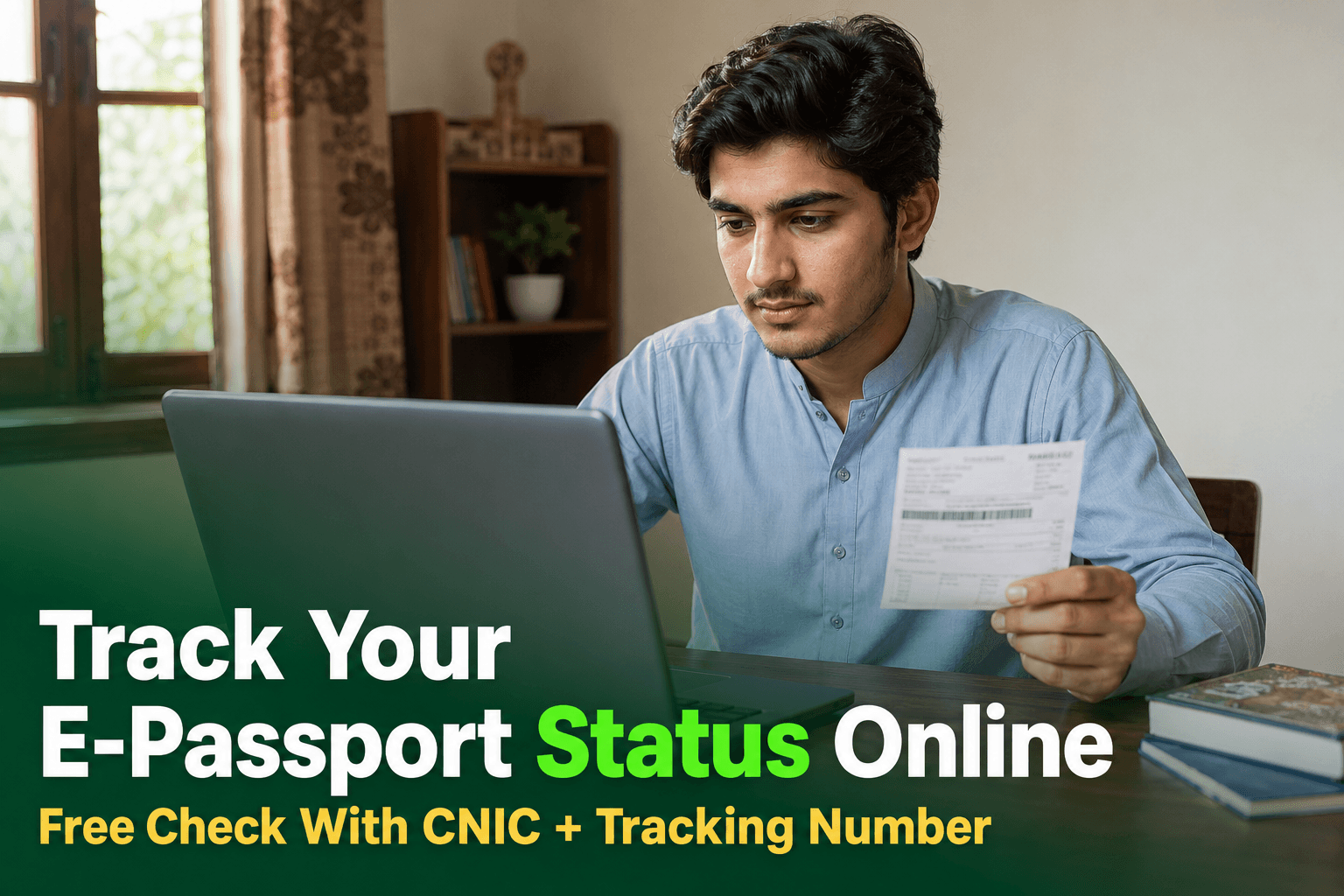
A Pakistani applicant checking e-passport application status on a laptop

After applying for an e-passport, the biggest worry for most applicants is one simple question: where is my passport right now? The good news is that you do not need to visit the office repeatedly to find out — the Directorate General of Immigration & Passports (DGIP) lets you track your application online.

What You Need Before You Start

Before you begin tracking, make sure you have these two things ready:

  1. Your 13-digit CNIC number (with no dashes).
  2. The tracking/file number (also called the challan number) printed on the receipt you received when your application was submitted — either at the passport office or through the online application process.

Step-by-Step: Checking Your Status Online

  1. Open the official DGIP e-passport portal in your browser.
  2. Find the application status / tracking section.
  3. Enter your CNIC number exactly as it appears on your identity card.
  4. Enter the tracking/file number from your receipt.
  5. Complete any security code (captcha) shown on the screen.
  6. Submit the form — your current application status will appear on screen.

Understanding the Status Stages

While exact wording may vary, an e-passport application typically moves through these broad stages:

| Stage | What It Means |

|---|---|

| Application received | Your form and fee have been accepted and the file is opened |

| Verification in process | Your documents and data are being checked |

| Printing / processing | Your passport booklet is being prepared |

| Dispatch / ready for delivery | Passport has been sent for delivery or pickup |

| Delivered / collected | Passport has reached you or been picked up |

What To Do If Your Passport Is Delayed

If your status stays unchanged for an unusually long time:

  1. Re-check the status on the portal after a few days.
  2. Contact the official DGIP helpline and quote your tracking number.
  3. If still unresolved, visit the regional passport office where you applied, carrying your original receipt and CNIC.

Final Thoughts

Tracking your e-passport is free and takes only a minute — all you need is your CNIC and tracking number. The golden rules are simple: keep your receipt safe, check status only on the official DGIP portal, and never trust unofficial messages asking for payment or personal details.

Official source: Directorate General of Immigration & Passports (DGIP) — E-Passport Portal

Frequently Asked Questions

On the official Directorate General of Immigration & Passports (DGIP) e-passport portal, where you can look up your application using your CNIC and the tracking/file number given at the time of application.

Your 13-digit CNIC number and the tracking/file (challan) number printed on the receipt you received when you submitted your application or applied online.

Delays can happen during data verification, document scrutiny, or dispatch phases. If your status does not move for an extended period, contact the DGIP helpline or visit the regional passport office where you applied, carrying your receipt.

Collection rules can vary by application type and office. Before sending someone else, confirm the current collection requirements with your regional passport office or the DGIP helpline.

No. Rely only on the official DGIP portal, the official helpline, or your regional passport office. Messages from unknown numbers claiming your passport is ready and asking for money or personal details are almost always scams.

Share this guide
More inGovernment Services

For you

Picked because you just read this

A Pakistani passport holder using the NADRA PakID mobile app to renew a passport from home
Government Services
6 min read

Renew Your Pakistani Passport Through NADRA PakID App in 2026: Complete Guide

Pakistani citizens can renew an eligible passport through NADRA's PakID mobile app without starting at a passport office. Here is the official step-by-step process, eligibility rule, documents, photo, payment and delivery guidance for 2026.

Read more
A Pakistani passport office building lit up in the evening with citizens still being served late at night
Government Services
3 min read

Pakistan Extends Passport Office Hours to Midnight in 8 Cities (August 2026)

Eight regional passport offices across Pakistan have moved to a double-shift schedule running until midnight, following Interior Minister Mohsin Naqvi's directive after a surprise visit exposed long queues and an alleged agent network. Here's exactly which cities are affected and the new timings.

Read more
A young Pakistani man using the Pak ID app on his smartphone at a NADRA registration centre counter
Government Services
5 min read

NADRA Clarifies: First-Time CNIC Through Pak ID App Still Works in 2026

NADRA has confirmed that first-time ID card applications through the Pak ID app using Form B or CRC have not been discontinued — but applicants with incomplete childhood biometric records must still visit a NADRA Registration Centre once. Here's exactly who qualifies for the fully-online route.

Read more